
SANIX3D · Free 3D Printing Tool
Scale Converter for 3D Printing
Instantly convert measurements between any scales – then bring your prints to life with our premium STL files, with new models every month.
Browse all models →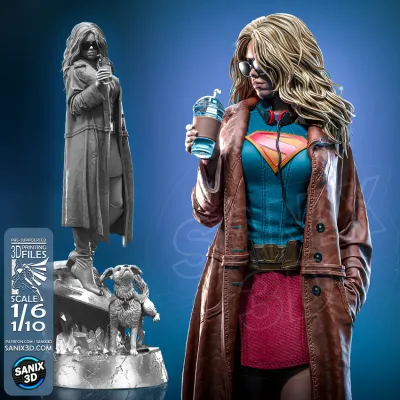
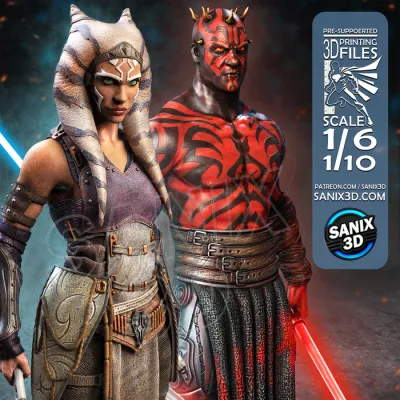
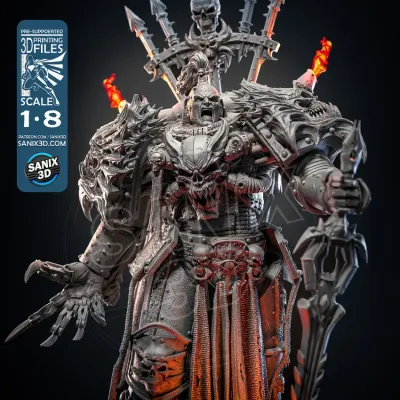
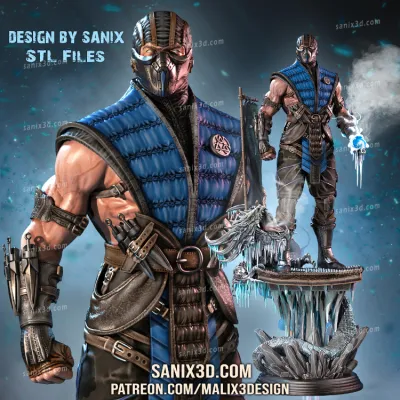
Scale Converter
Convert measurements and calculate print percentages between drawing scales.
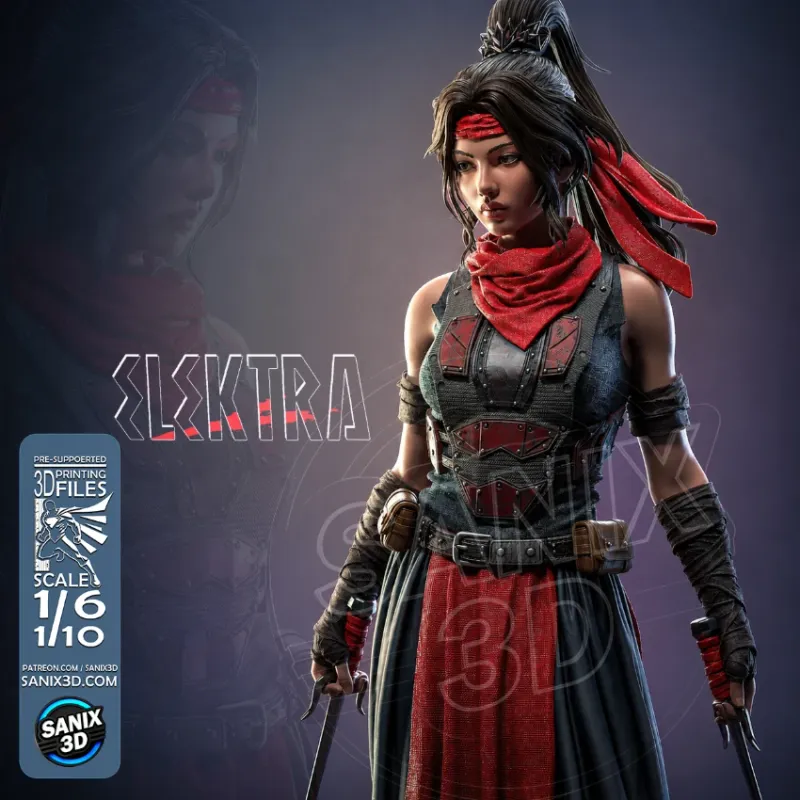
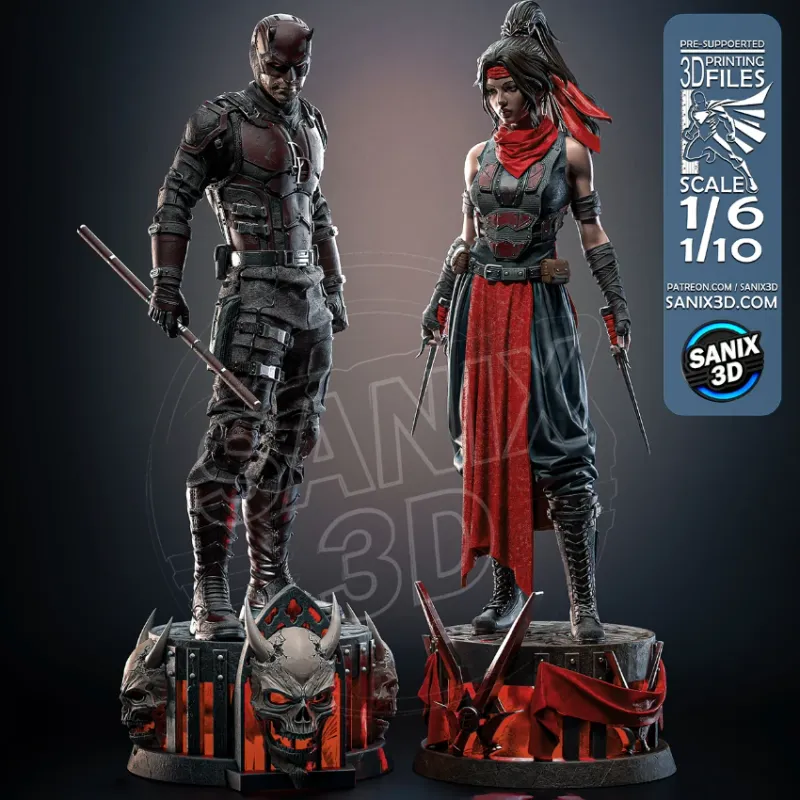
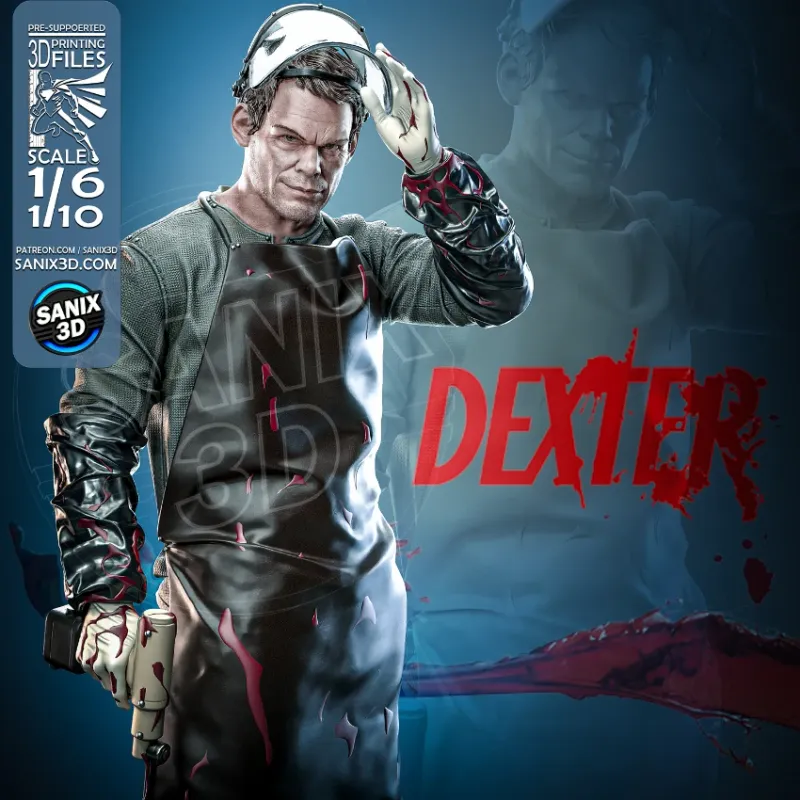
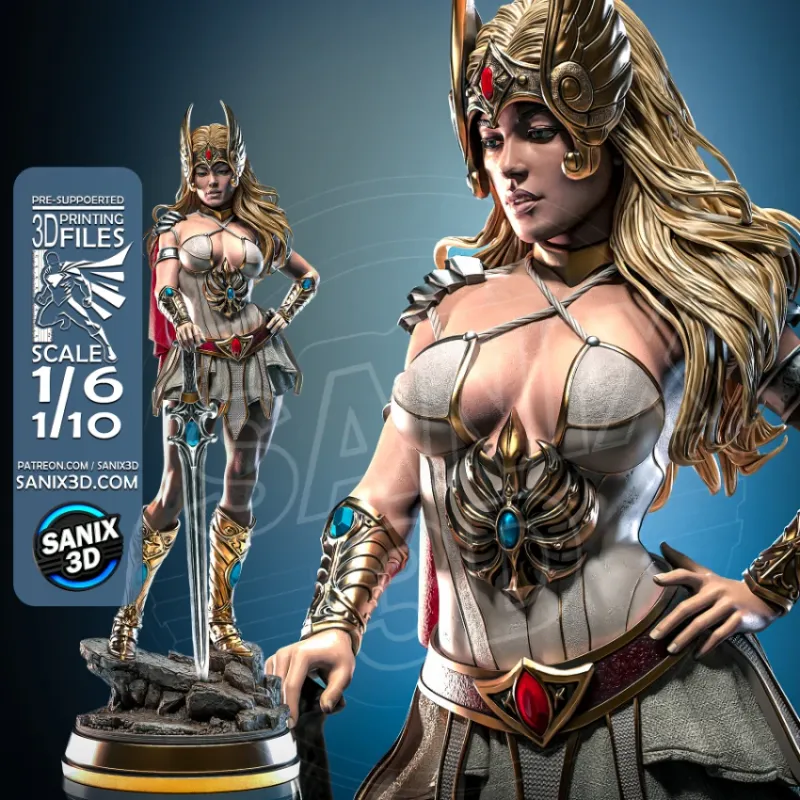
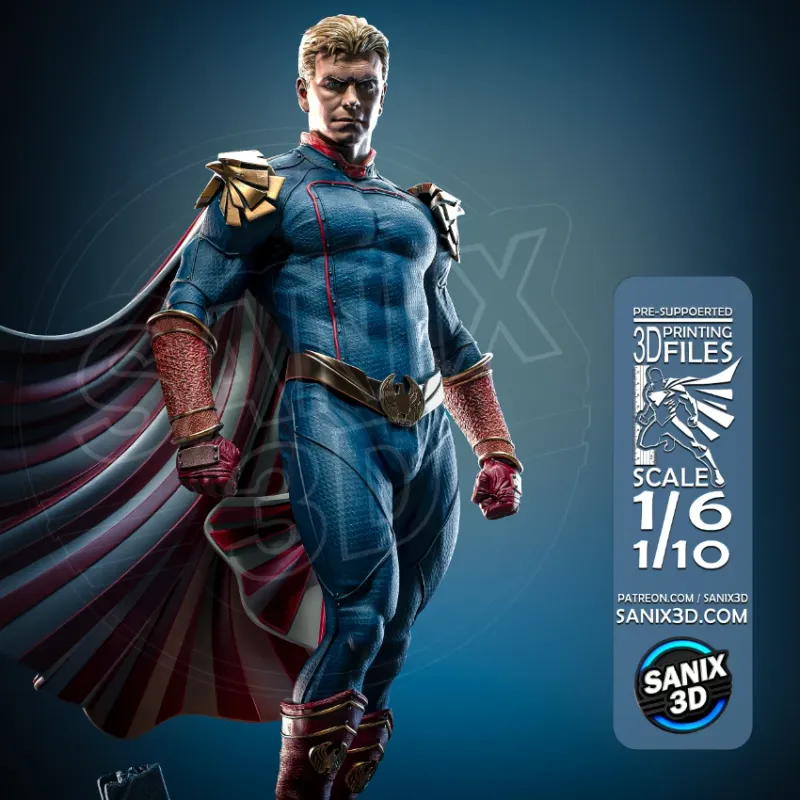
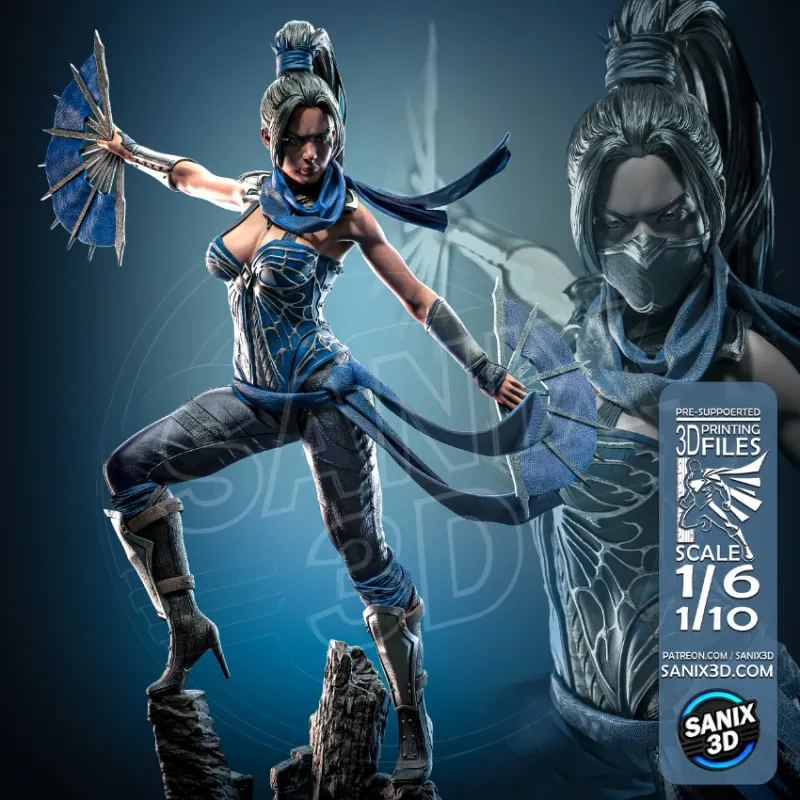
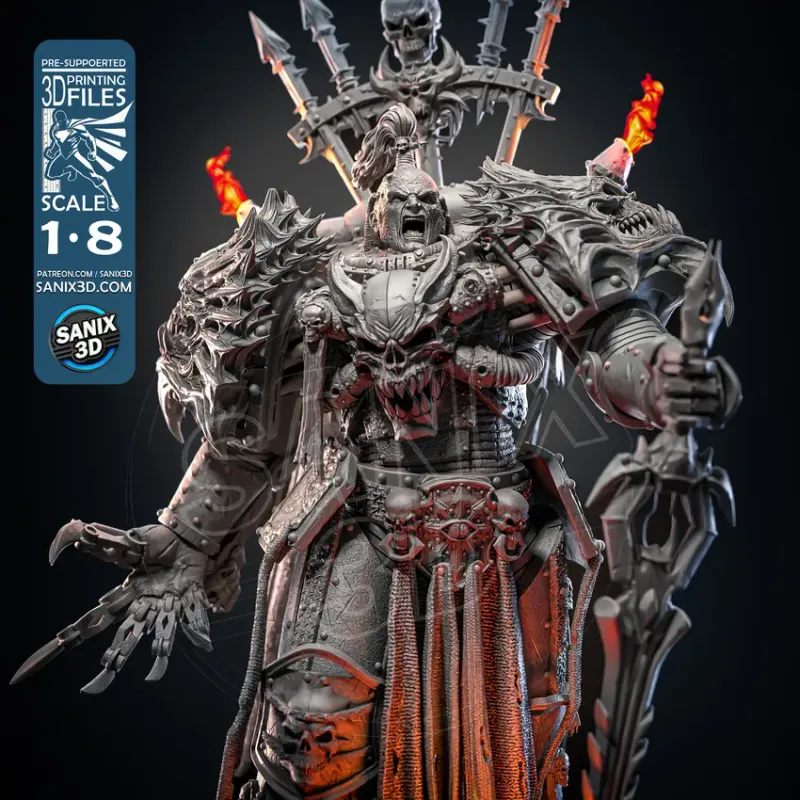
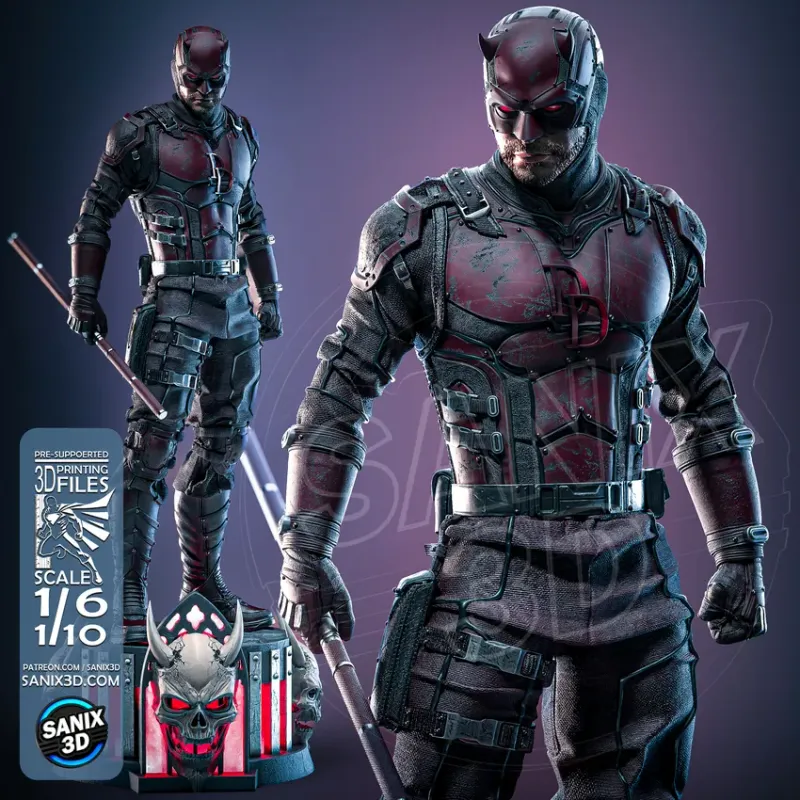
* Based on a 1800 mm (5′11″) reference height
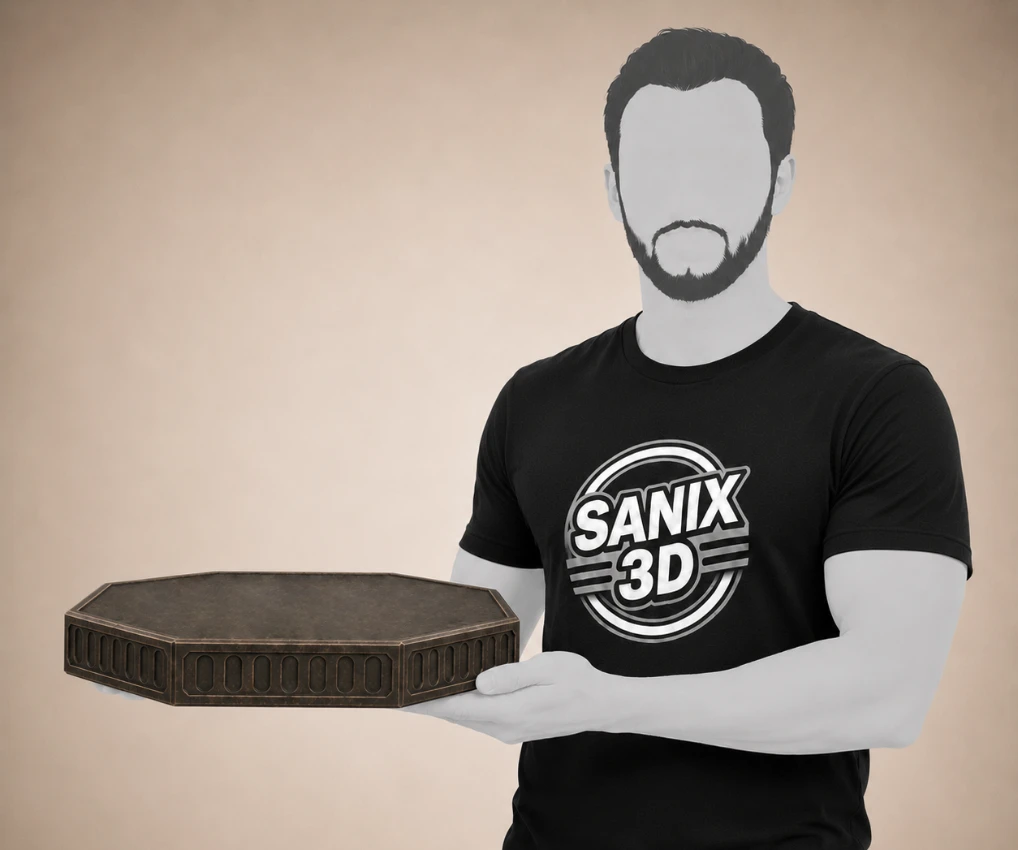
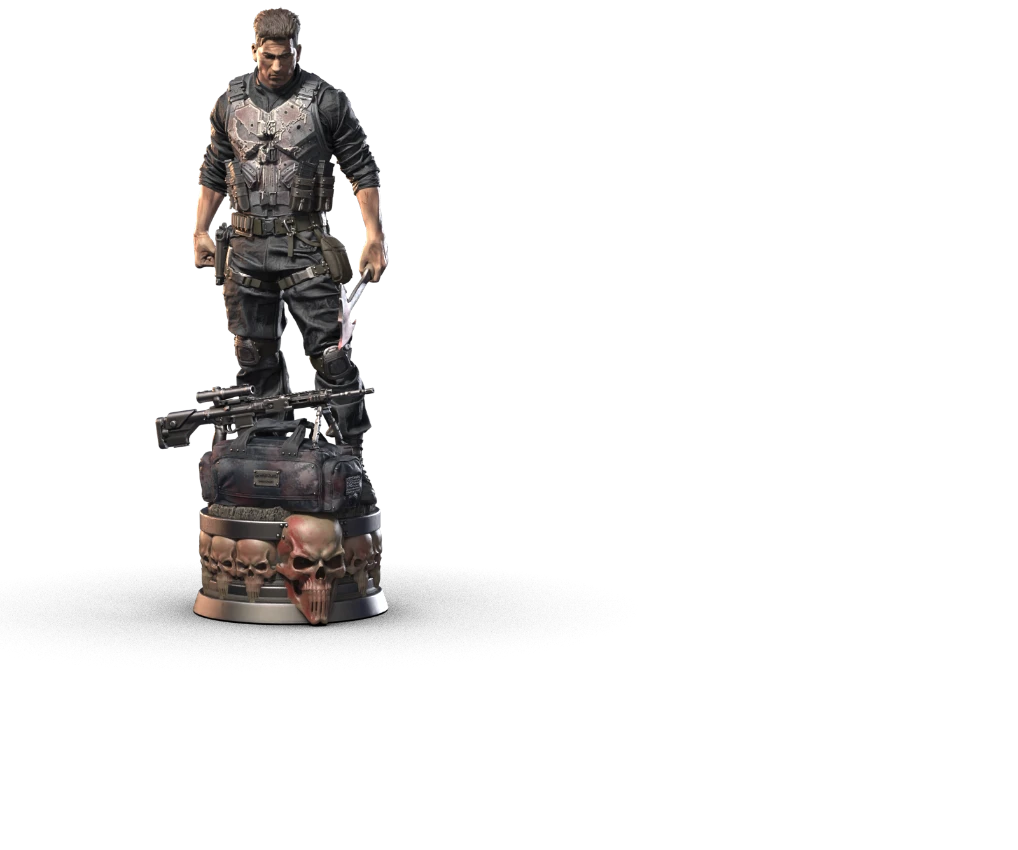
3D Print Scale Visualizer
See how big the statue really is - drag the scale and watch it grow or shrink next to a person.
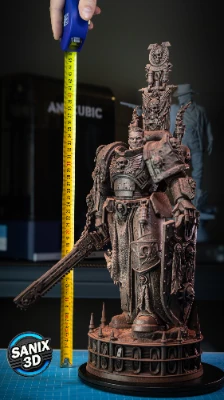
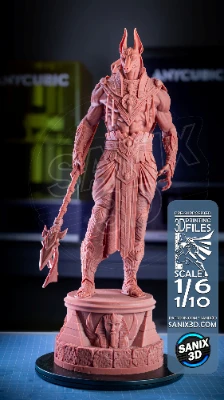
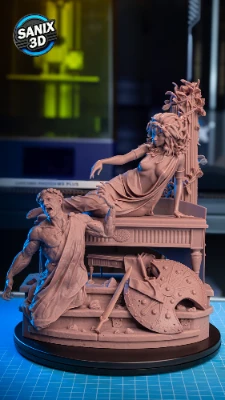
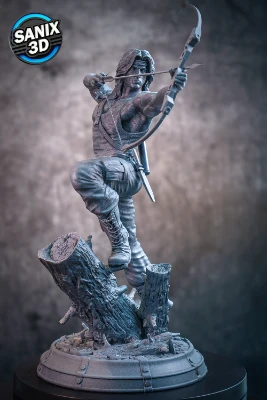
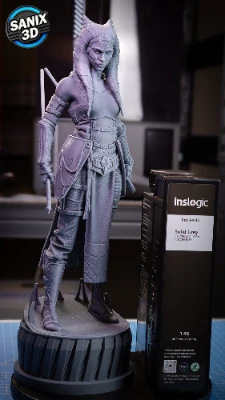
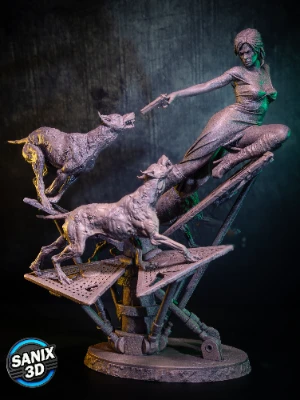
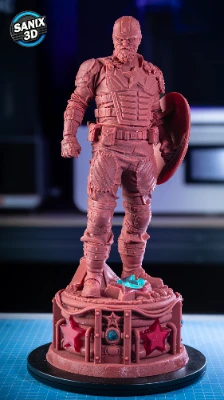
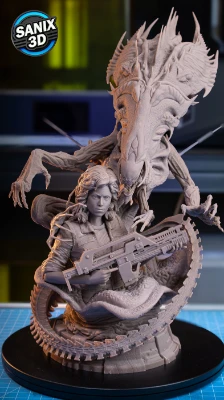
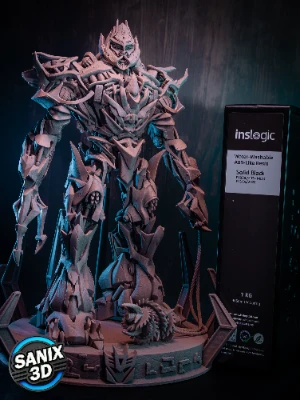
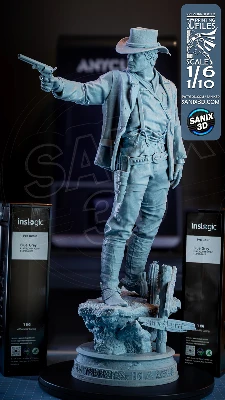
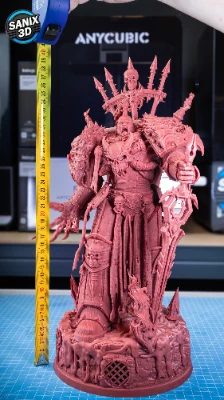
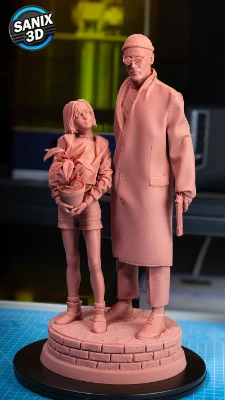
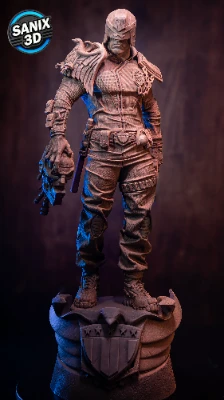
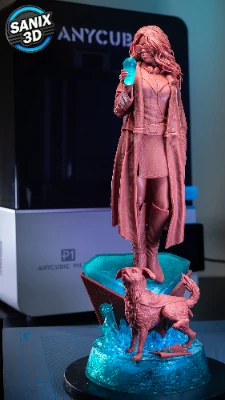
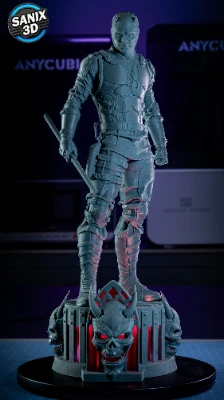
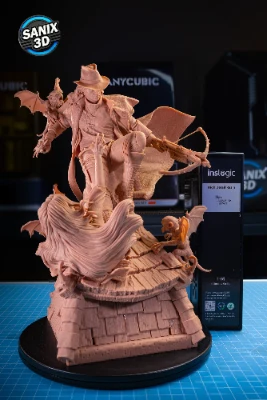
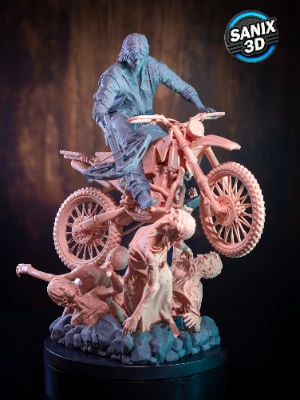
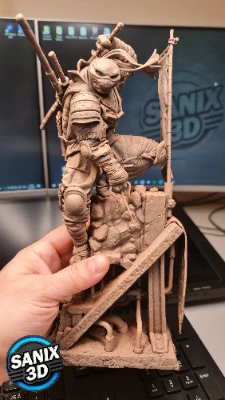
Real prints, real detail
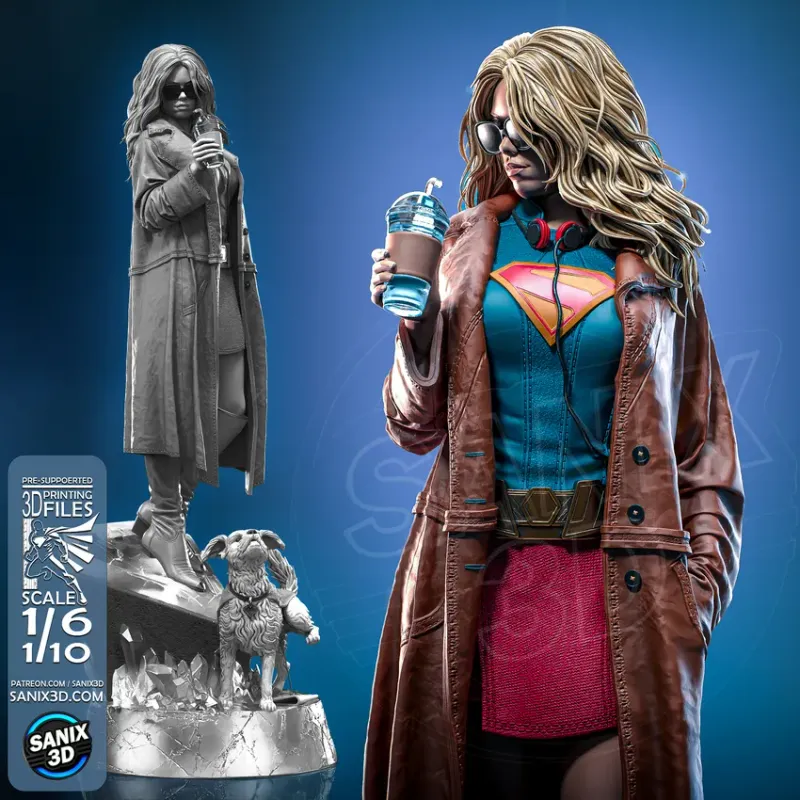
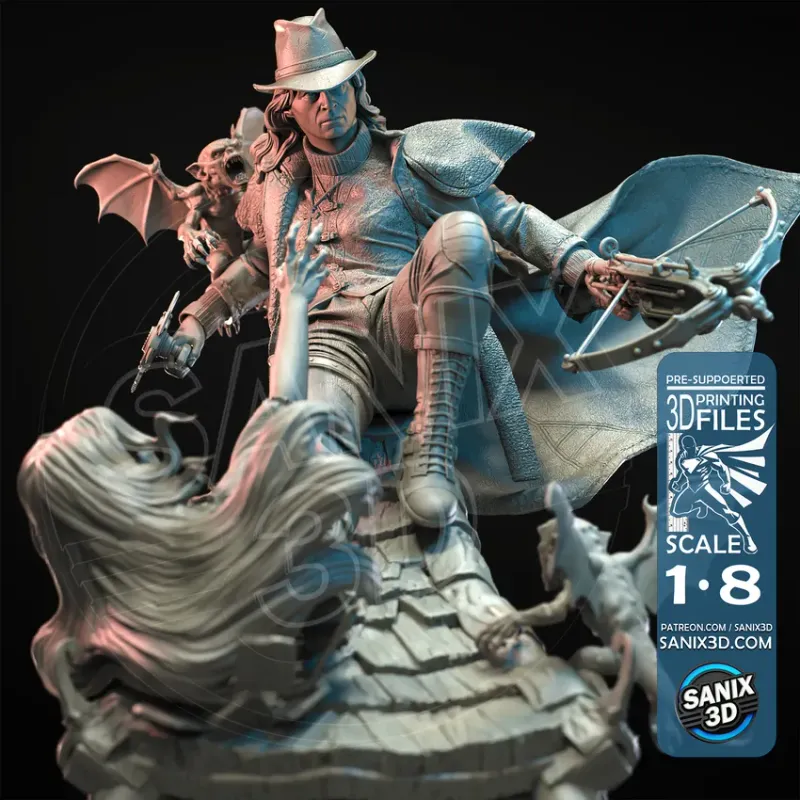
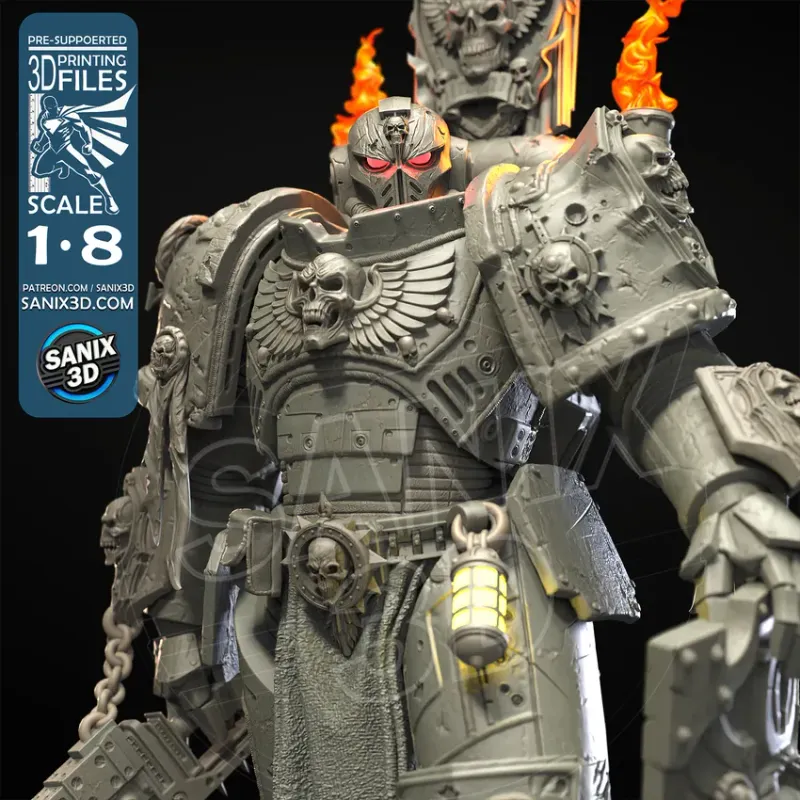
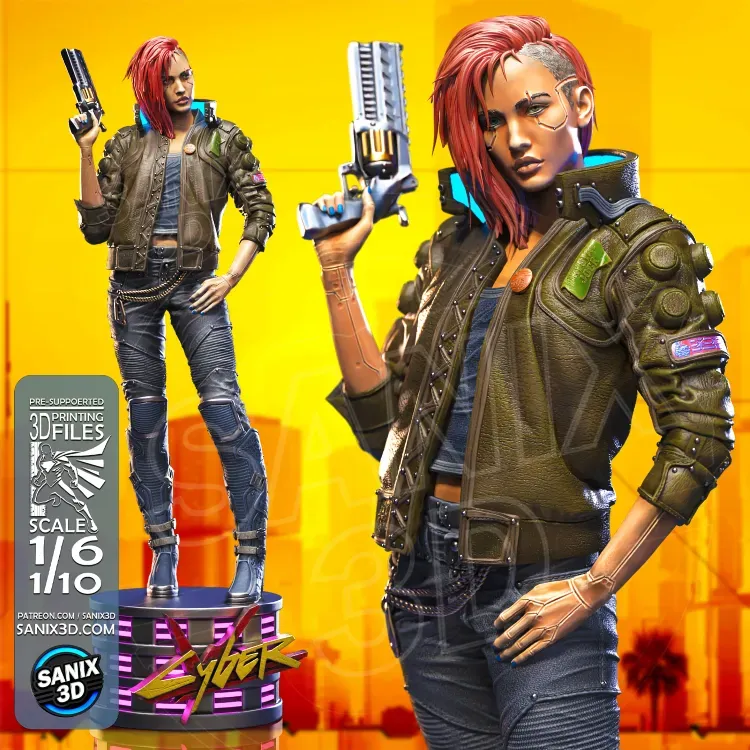
Real prints of our models - see the exact detail and quality you get before you buy.
Popular categories
About the SANIX3D Scale Converter
The SANIX3D Scale Converter is a free online tool for 3D printing, scale modeling, miniatures, dioramas and RC builds. Enter any measurement, pick your original and target scale, and get the converted size instantly in millimeters, centimeters or meters. The Scale Percentage tab tells you exactly how much to resize an STL file before slicing, so your 3D print comes out at the right height every time.
How to use the scale converter
- Enter your value and choose the unit (mm, cm or m).
- Pick the scales - set the original scale and the target scale, for example 1:1 to 1:6.
- Read the result - the converted size updates instantly, with a visual comparison against a 180 cm person.
- Resize your STL - open the Scale Percentage tab to get the exact percentage to enter in your slicer.
Frequently asked questions
How do I convert a measurement between two scales?
Enter your real value, choose the original scale and the target scale, and the converter instantly recalculates the size. For example, an 1800 mm (1.8 m) figure at 1:6 scale becomes 300 mm.
What size is a 1:6 scale figure of a person?
A 180 cm (1800 mm) person printed at 1:6 scale is 30 cm (300 mm) tall. At 1:10 it is 18 cm, and at 1:12 it is 15 cm.
What does scale percentage mean when resizing an STL file?
Scale percentage is how much to enlarge or shrink your model in the slicer. Going from 1:8 to 1:14, for example, means printing at about 57% of the original STL size.
Which scale is best for 3D printing figures and statues?
Collectors usually print characters at 1:6, 1:8 or 1:10, while 1:12 is popular for smaller display pieces. Tabletop miniatures are typically 28-32 mm, which is roughly 1:56 to 1:64.
How do I scale an STL file up or down by percentage?
Use the Scale Percentage tab to get the exact percentage, then enter that value in your slicer scale setting (Cura, PrusaSlicer, Lychee and others). All axes scale uniformly.
What is the difference between a scale ratio and a scale percentage?
A ratio like 1:6 compares the model to the real object. A percentage like 57% tells your slicer how much to resize one model relative to another. This tool converts between both.
What scale are Dungeons & Dragons and Warhammer miniatures?
Most tabletop miniatures are 28 mm or 32 mm heroic scale, which is roughly 1:56 to 1:64. Busts and display models are larger, often 1:10 or 1:12.
Can I convert between millimeters, centimeters and meters?
Yes. Enter your value and pick mm, cm or m - the converter handles the units automatically and shows the result clearly.
Why is my 3D print a different size than expected?
Usually the slicer scale or the chosen ratio is off. Re-check the original and target scale here, confirm the percentage in your slicer, and make sure you are not mixing units (mm vs cm).
Is the SANIX3D scale converter free?
Yes, it is completely free to use online with no sign-up. If you also want ready-to-print models, you can browse our premium STL files.