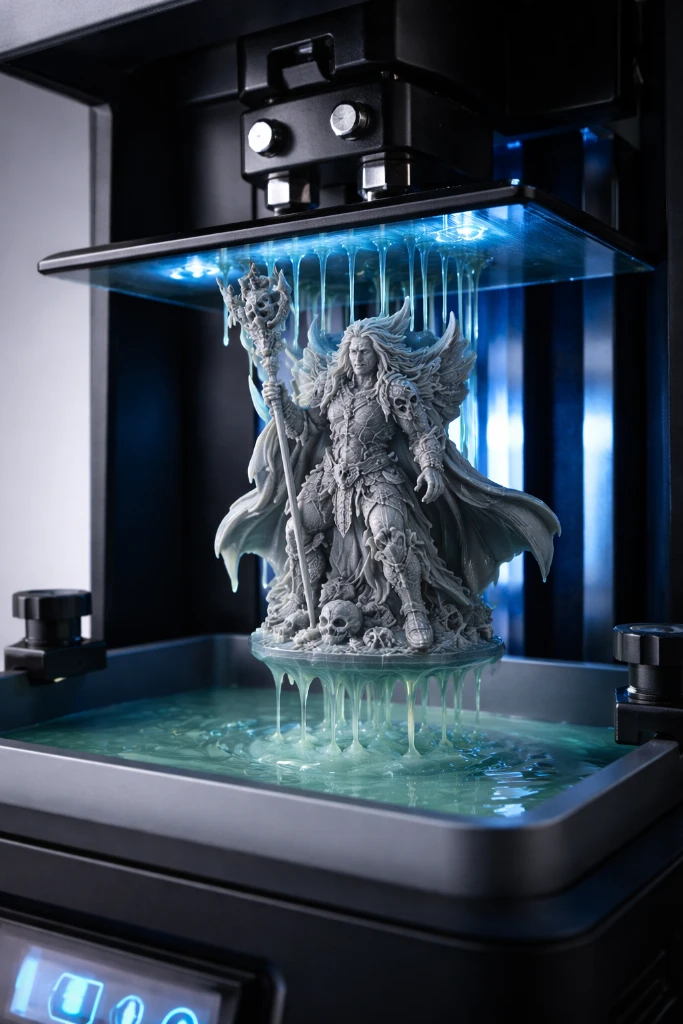
Choosing the right SLA 3D printer can feel overwhelming with so many options on the market. Whether you want to print tabletop miniatures, jewelry prototypes, dental models, or detailed figurines, this guide covers every factor you need to evaluate before buying your first resin printer.
Understanding SLA/MSLA Printer Types
Most consumer “SLA” printers today are technically MSLA (Masked Stereolithography) — they use an LCD screen to selectively expose UV light through a FEP film into the resin vat. True laser SLA printers exist but are significantly more expensive. For home use, MSLA delivers excellent results at affordable prices.
Key Factors When Choosing an SLA Printer
- Print quality (XY resolution) – The most important spec. Determined by the LCD screen resolution divided by the print area size. Look for 35–50 microns per pixel for miniatures and jewelry. 50–80 microns is fine for most other applications. Mono screens are faster and sharper than older RGB screens.
- Build volume – Larger build plates allow you to print multiple items at once or larger single pieces. Common sizes range from 130×82mm (small desktop) to 218×123mm (standard) and larger. More volume = more flexibility but also more resin used per failed print.
- Software compatibility – Verify the printer works with Chitubox or Lychee slicer. These are the two most capable resin slicers. Proprietary slicers from some brands are more limited. Open file formats (.ctb, .photon, .pwmo) give you more software options.
- Resin compatibility – Some printers (mainly Formlabs) require proprietary resins that are expensive and locked to their ecosystem. Most consumer MSLA printers are “open source” for resins, letting you use any 405nm UV resin — a huge cost saving.
- Additional features – WiFi connectivity for remote monitoring, a tilt or peel mechanism (reduces FEP wear), an integrated activated carbon filter for fumes, a touchscreen interface, and built-in exposure calibration are all nice extras to look for.
- Price vs value – Entry-level resin printers start around $150–200 (Elegoo Mars, Anycubic Photon). Mid-range $300–500 offers larger build volumes and better screens. Professional $1000+ is for dental labs and industrial use. For most hobbyists, the $200–350 range offers excellent value.
- Brand support and community – Choose brands with active communities. Elegoo and Anycubic have large communities, frequent firmware updates, and available spare parts. Good documentation and active Discord/Reddit communities are invaluable for troubleshooting.
Important Post-Processing Requirements
SLA printing requires a wash and cure station. Prints come off the build plate coated in uncured resin and must be washed in IPA (isopropyl alcohol) or a dedicated wash solution, then cured under UV light. Budget for a wash and cure station (~$30–80) when planning your SLA setup. This is not optional.
Safety Equipment Needed
- Nitrile gloves (resin is a skin sensitizer)
- Safety glasses
- Good ventilation or activated carbon filter
- UV-safe storage containers for resin
SLA vs FDM for Your Needs
If you need extreme detail for miniatures, jewelry, or dental models, SLA is the clear choice. For functional prototypes, large prints, and a simpler workflow, consider FDM. Many enthusiasts own both types.
See our full comparison: Differences Between SLA and FDM 3D Printers.