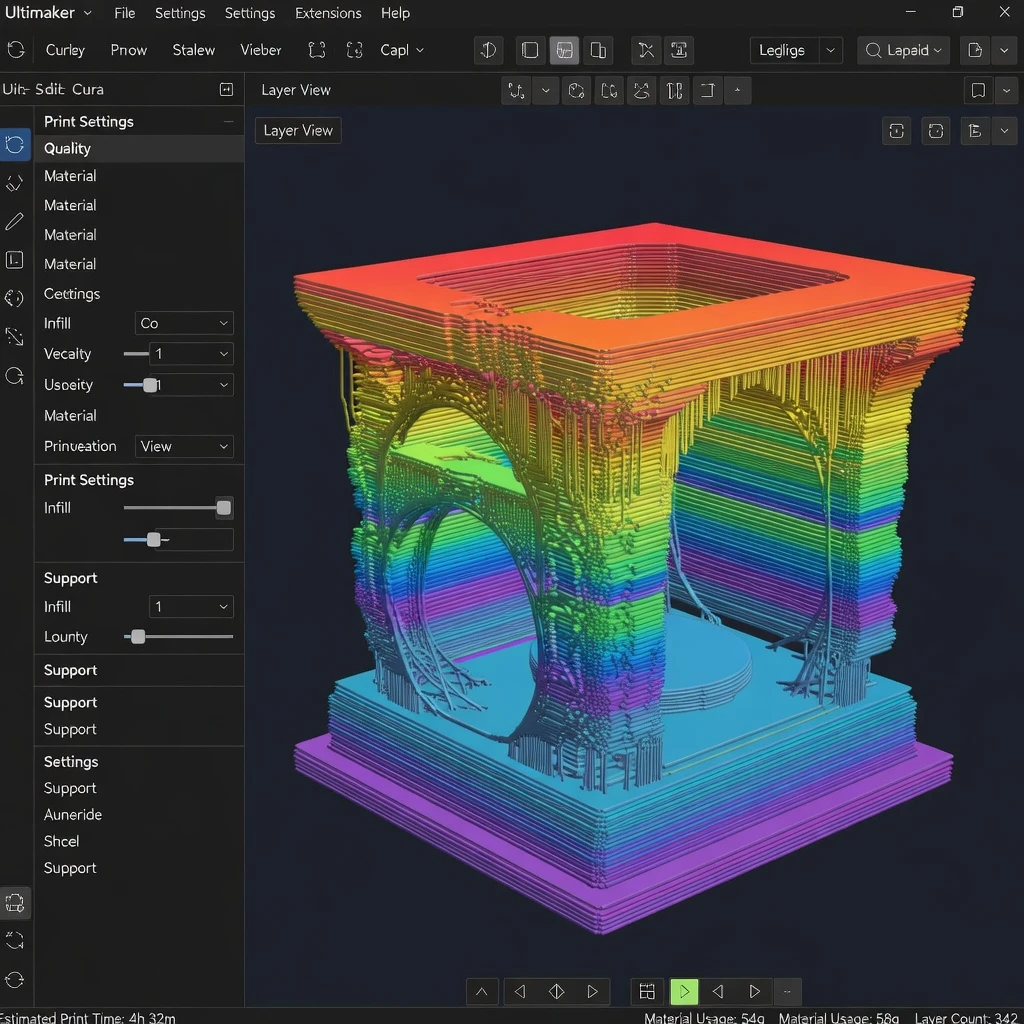
Cura is the world’s most popular slicer software for FDM 3D printing, developed by Ultimaker (now UltiMaker). It is free, open-source, and beginner-friendly while also offering hundreds of advanced settings for experienced users. If you own an FDM printer, learning Cura is one of the most valuable skills you can develop.
What is Cura?
Cura converts your 3D model (STL, OBJ, 3MF, AMF) into G-code — the set of instructions your FDM printer follows to physically create the object. It handles everything from slicing geometry into layers to calculating optimal support structures, estimating print time, and managing filament usage.
Key Features of Cura
- Massive printer compatibility – Includes profiles for hundreds of FDM printers from Creality, Prusa, Bambu Lab, Ultimaker, Anycubic, and more. Custom profiles can be added for any printer.
- Customizable print settings – Layer height, infill pattern and density, print speed, temperature, cooling, supports, adhesion — all fully adjustable. The “Custom” mode reveals over 400 settings.
- Automatic support generation – Cura automatically detects overhanging geometry and generates support structures. Tree supports are particularly effective for organic shapes.
- Print time and material estimation – Accurate estimates of print time and filament weight/cost help you plan projects.
- Plugin marketplace – Extend Cura with community plugins for features like Calibration Shapes, Mesh Tools, and more.
- Multi-platform – Available for Windows, macOS, and Linux.
Recommended Cura Settings for Beginners (PLA)
- Layer height: 0.2mm — balanced quality and speed
- Wall thickness: 1.2mm (3 walls) — good strength
- Infill density: 15% for decorative, 40% for functional parts
- Infill pattern: Grid or Gyroid for functional, Lines for decorative
- Print speed: 50mm/s — safe for most printers
- Nozzle temperature: 200–210°C for PLA
- Bed temperature: 60°C
- Supports: Enable for overhangs greater than 45°
- Build plate adhesion: Brim for tall thin prints, Skirt for most others
Cura’s Most Useful Advanced Features
Variable Layer Height
Automatically uses thinner layers in curved, detailed areas and thicker layers in flat sections — saving time while maintaining quality where it counts.
Support Blockers
Paint over areas where you don’t want supports generated, giving you precise control over support placement.
Per-Model Settings
When printing multiple models, you can assign different settings to each object — for example, different infill densities for different parts.
Download Cura
Download the latest version free from the official UltiMaker website: ultimaker.com/software/ultimaker-cura
Also explore: All Slicer Guides on SANIX3D to compare Cura with other popular slicers.