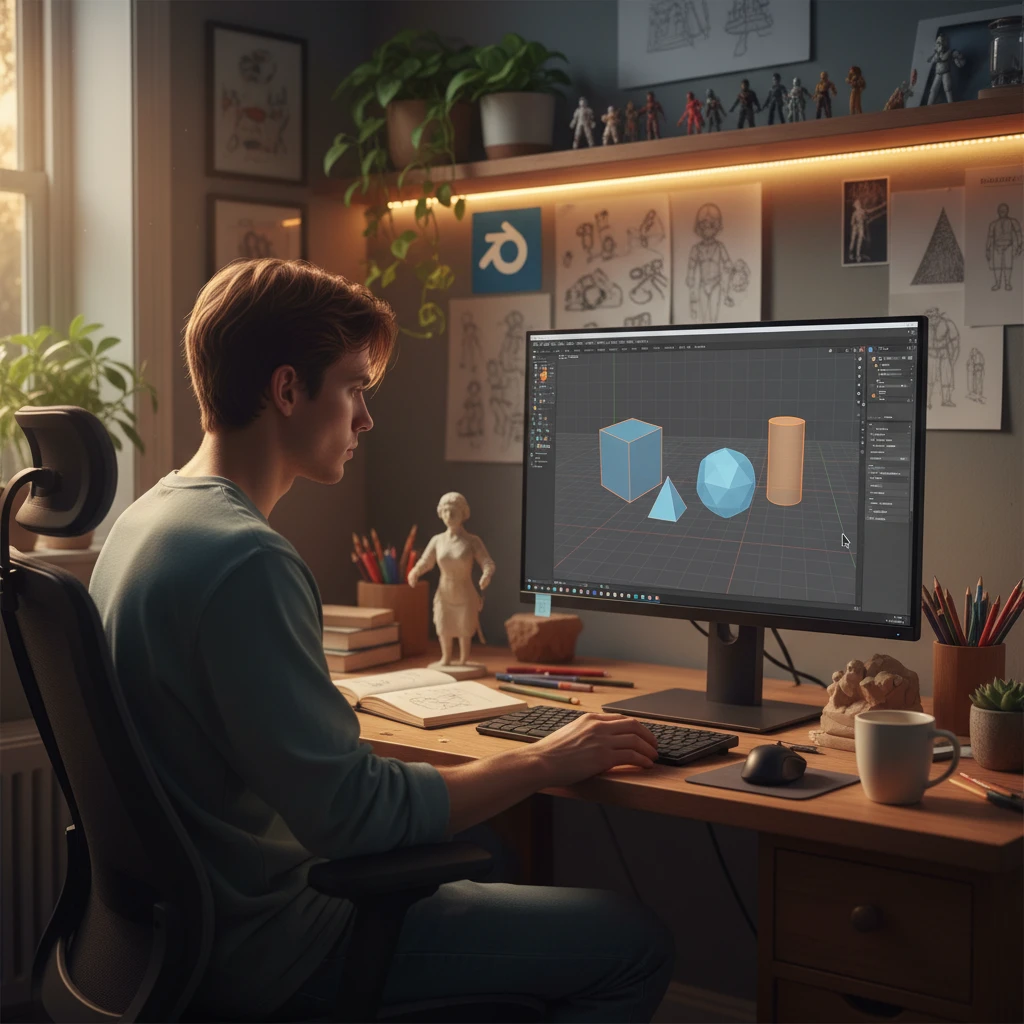
Getting started in 3D design can seem daunting when you look at what experienced artists create, but with the right approach and tools, anyone can learn to model objects for 3D printing. This guide walks you through everything you need to know to go from complete beginner to creating your own printable 3D models.
What is 3D Design for Printing?
3D design for printing means creating digital three-dimensional models that can be exported as STL or 3MF files and sent to a 3D printer. Unlike design for animation or visualization, 3D models for printing must follow specific rules: they must be “watertight” (no gaps), have appropriate wall thickness, and respect the limitations of your printer.
Best Software for Beginner 3D Designers
- Tinkercad – Browser-based, completely free, no installation needed. Ideal for absolute beginners. Drag-and-drop geometric shapes to build models. Limited for complex organic shapes but excellent for mechanical and architectural designs. Best starting point for children and adults new to 3D.
- Fusion 360 – Professional parametric CAD software, free for hobbyists and students. Industry-standard for mechanical engineering and product design. Steep learning curve but incredibly powerful. Best for precise, functional parts with exact dimensions.
- Blender – Free, open-source, industry-standard for organic modeling, animation, and rendering. Huge community, thousands of tutorials. More complex interface but unmatched flexibility. Best for figurines, props, and artistic models.
- Autodesk Maya – Professional animation and modeling software used in film and games. Expensive but powerful. Good choice if you plan to pursue 3D professionally.
How Long Does It Take to Learn 3D Design?
With consistent daily practice, you can create simple 3D models within 2–4 weeks using Tinkercad, or 4–8 weeks with Fusion 360 or Blender. Complex models and advanced techniques take months to master. The most important factor is consistency — even 20–30 minutes of practice daily progresses faster than occasional multi-hour sessions.
Your First Steps as a Beginner Designer
- Choose one software and commit to it — Switching between programs constantly prevents building real proficiency. Pick Tinkercad to start quickly, or Blender/Fusion 360 if you’re willing to invest more learning time.
- Follow structured tutorial series on YouTube — Search for “[software name] for beginners 3D printing”. Follow a full series rather than random videos to build systematic skills.
- Start with simple geometric shapes — Your first models should be boxes, cylinders, and basic assemblies. Don’t attempt complex characters until you understand the fundamentals.
- Print and iterate — Print your models as soon as they’re ready. Physical results reveal design flaws that are invisible on screen. Fix, reprint, and learn from each iteration.
- Join communities — Reddit’s r/3Dprinting and r/blender, and dedicated Discord servers, provide feedback, inspiration, and help when you’re stuck.
Understanding Design Rules for 3D Printing
Minimum Wall Thickness
FDM printing requires walls of at least 1.2mm (3 standard nozzle widths) for structural integrity. Thinner walls may print but will be fragile. Resin can print thinner walls (0.5–0.8mm) due to finer resolution.
Overhang Rules
Overhangs beyond 45° from vertical require support structures in FDM printing. Design parts to minimize overhangs where possible, or plan for supports.
Tolerances for Fit
If designing parts that fit together, add 0.2–0.3mm clearance between mating surfaces to account for printing tolerances.
Explore our 3D Print Masterpieces for inspiration and browse the SANIX3D Blog for more guides.