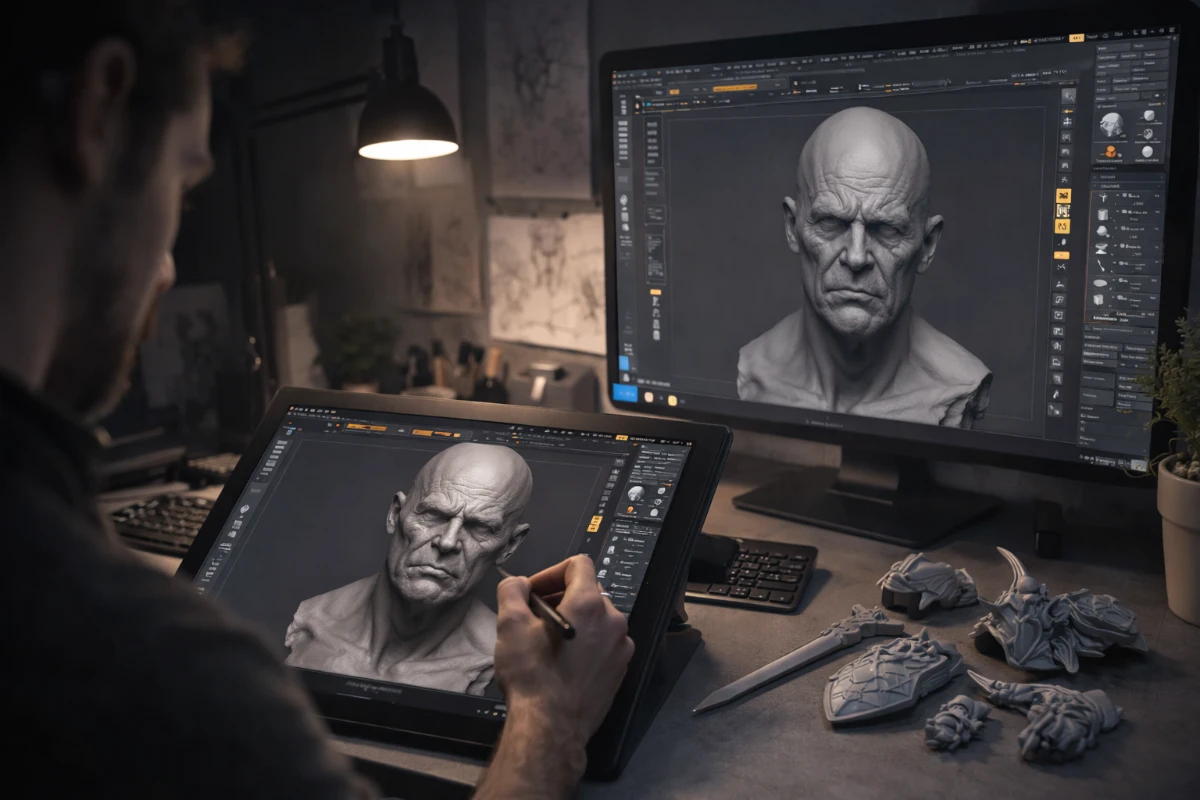
3D sculpting is the digital equivalent of working with clay — you push, pull, smooth, and carve a virtual surface to create organic, artistic shapes. It is the preferred method for creating characters, creatures, busts, and detailed artistic models for 3D printing. This guide covers everything you need to know to start your journey as a digital sculptor.
What is 3D Sculpting?
Unlike traditional 3D modeling where you manipulate precise geometry, sculpting works with high-resolution meshes that you deform using digital brushes. Each brush stroke dynamically adjusts thousands of polygons at once, allowing you to work intuitively just like with real clay. The resulting models typically have millions of polygons — far too many for animation but perfect for 3D printing.
Best Software for 3D Sculpting Beginners
- Blender (Sculpt Mode) – Completely free, rapidly improving sculpting tools, large community. Great entry point for beginners. Lacks some advanced features of ZBrush but covers 90% of use cases. Best choice if you want free professional software.
- ZBrush – The industry gold standard for digital sculpting. Used in every major film and game studio worldwide. Handles hundreds of millions of polygons smoothly. The learning curve is steep due to its unique interface, but no other software matches its capabilities. Now available as ZBrush Studio (subscription) or Sculptris (free, limited).
- Sculptris – Free, older ZBrush companion app. Simple interface, good for learning the basics of digital sculpting before moving to ZBrush. No longer actively developed but still functional.
- Nomad Sculpt – Tablet-based sculpting app for iPad and Android. Surprisingly powerful for mobile sculpting. Many professional artists use it for sketching and character design on the go.
How Long Does It Take to Learn Digital Sculpting?
Basic sculpting skills — creating simple organic shapes with reasonable proportions — can be developed within 2–3 months of daily practice. Creating professional-quality sculptures for commercial printing typically requires 1–2 years of dedicated learning and practice. The key milestones are:
- Month 1–2: Basic shapes, understanding the main sculpting brushes, proportion fundamentals
- Month 3–6: Human anatomy basics, face and bust sculpting, texture work
- Month 6–12: Full figure, clothing, hard surface details, print preparation
- Year 1–2+: Commercial quality, efficient workflow, complex scenes
Essential Anatomy Knowledge for Sculptors
The biggest separator between good and great sculptors is anatomy knowledge. Even for fantasy characters, the underlying structure follows anatomical rules. Study:
- Skull and facial bone structure — determines face proportions
- Major muscle groups — pectoral, deltoid, trapezius, etc.
- Body proportions — classical “8 heads tall” rule and variations
- Hand and foot anatomy — among the most challenging elements to sculpt convincingly
Tips for Beginner Sculptors
- Study real-world anatomy using reference books like “Anatomy for Sculptors”
- Always work from reference images — never sculpt purely from imagination as a beginner
- Start with simple busts before attempting full figures
- Learn Dynamesh (ZBrush) or Remesh (Blender) to manage polygon count as you sculpt
- Build from large forms to small details — never start with details before major shapes are correct
See also: What is more difficult – Bust or the whole figure? and explore our 3D Print Masterpieces collection for sculpting inspiration.