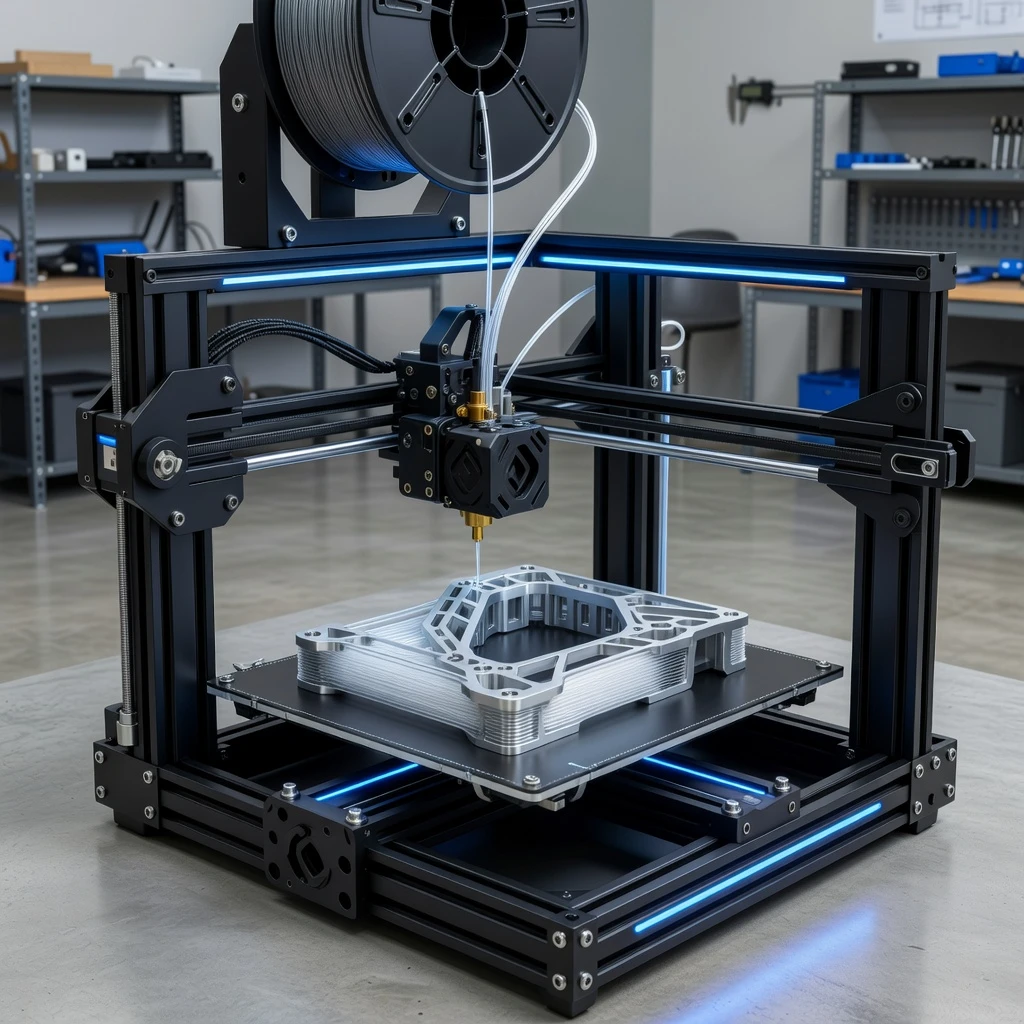
FDM (Fused Deposition Modeling) printers are the most accessible and popular type of 3D printer for beginners, hobbyists, and professionals. With hundreds of models available at every price point, knowing what specifications actually matter will help you make a confident purchase decision.
Understanding the FDM Printing Process
FDM printers work by melting plastic filament through a heated nozzle and depositing it layer by layer onto a build platform. The simplicity of this process is what makes FDM printers affordable, reliable, and easy to maintain. The quality of your prints depends on the precision of the motion system, the quality of the hotend, and the calibration of the bed.
Key Factors When Choosing an FDM Printer
- Build volume – The maximum print size. Entry-level printers offer around 220×220×250mm (e.g., Ender 3). Larger printers like the Creality CR-10 offer 300×300×400mm. Consider what you want to print — larger beds give more flexibility but take longer to heat up and level.
- Layer resolution – Most FDM printers support 0.1–0.3mm layer heights. Thinner layers = smoother surface but longer print time. A 0.4mm nozzle (standard) can print reliably at 0.1mm, giving decent detail for most applications.
- Software compatibility – Check compatibility with Cura, PrusaSlicer, or OrcaSlicer. These are the best free slicers. Some printers come with custom profiles already loaded. Avoid printers that only work with proprietary slicers.
- Material support – Check which filaments the printer supports. All FDM printers handle PLA. For ABS and ASA, you need an enclosure. For high-temp materials (PC, Nylon), you need an all-metal hotend and heated chamber. Check the maximum hotend temperature (240°C minimum for versatility).
- Additional features – Auto bed leveling (ABL) is the most important feature for beginners — it saves massive amounts of time and frustration. Filament runout sensor prevents ruined prints. Enclosure is important for ABS, ASA, and engineering materials. Direct drive extruder handles flexible filaments much better than Bowden.
- Price range – Budget ($150–250): Creality Ender 3 V3 SE, great for beginners. Mid-range ($350–600): Bambu Lab A1 Mini, Prusa MK4 — significant quality and speed improvements. Professional ($800+): Industrial-grade reliability and materials support.
- Brand support – Creality and Bambu Lab have excellent communities, frequent updates, and widely available spare parts. Prusa has legendary customer support. Choose a brand with an active community for the best help when problems arise.
Beginner vs Advanced: What Actually Matters
For Beginners
Prioritize: auto bed leveling, good default profiles, active community support. The Bambu Lab A1 Mini and Creality Ender 3 V3 SE are excellent choices that print reliably out of the box.
For Advanced Users
Prioritize: speed, multi-material capability, chamber enclosure, high-temp material support. Bambu Lab X1-Carbon and Prusa XL are top choices for demanding use cases.
What to Avoid
- Printers without auto bed leveling — manual leveling is tedious and must be repeated frequently
- Printers with no community or spare parts availability
- Very cheap no-name printers — quality control is often poor
Also read: Differences between SLA and FDM 3D Printers to decide which technology is right for you.