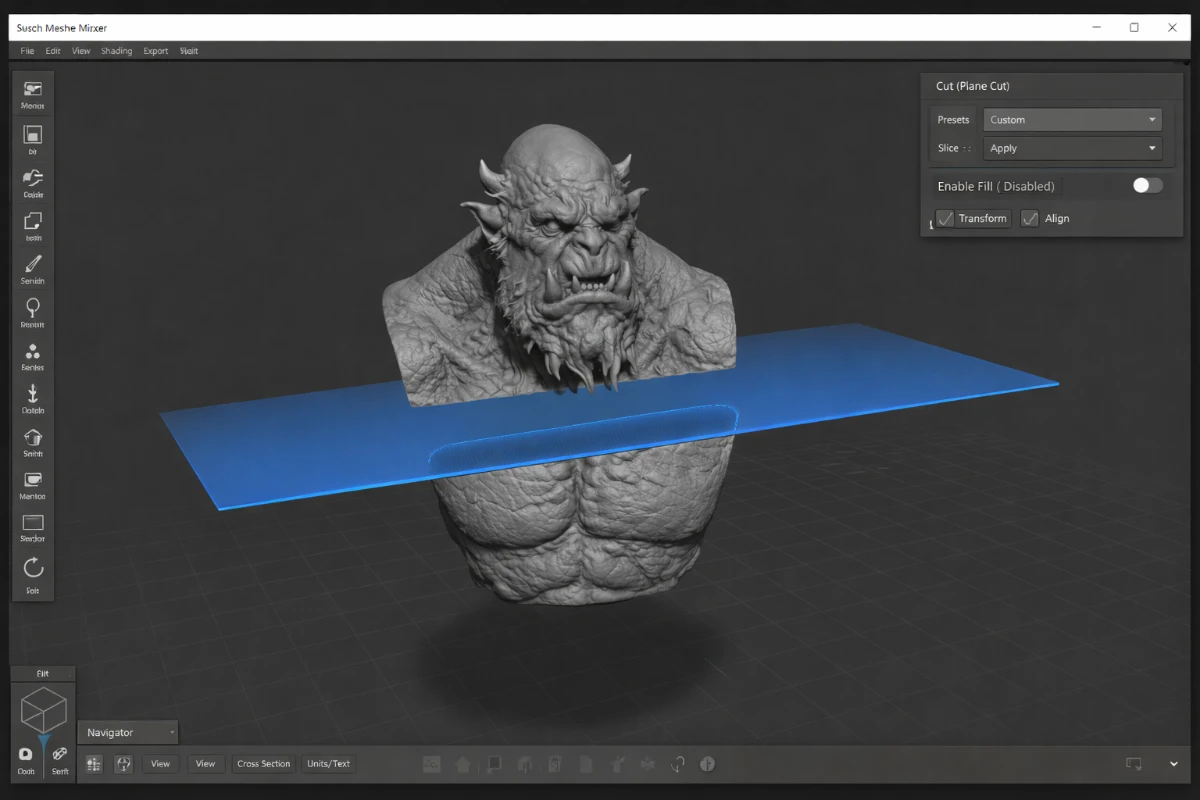
Chitubox is one of the most widely used slicers specifically designed for resin (SLA/MSLA/DLP) 3D printers. Its combination of powerful automatic support generation, broad printer compatibility, and a free basic tier makes it the first slicer most resin printer owners install.
What is Chitubox?
Chitubox is a slicing software built specifically for resin-based 3D printing. Unlike FDM slicers that deal primarily with paths and temperatures, Chitubox focuses on exposure times, anti-aliasing, support structures, and outputting printer-specific file formats like .ctb, .photon, .pwmo, and others that your resin printer reads directly.
Chitubox Free vs Chitubox Pro
Chitubox is available in two versions:
- Chitubox Free – Fully capable for most users. Includes automatic supports, hollowing, drain holes, slicing, and print preview. Supports most consumer resin printers.
- Chitubox Pro – Adds advanced support editing, island detection, better anti-aliasing options, repair tools, and faster slicing. Worth it for professional use or complex multi-model prints.
Key Features of Chitubox
- Automatic and manual support placement – One-click auto supports cover most models well. Manual mode lets you add, remove, or adjust individual supports for tricky geometry.
- Anti-aliasing – Smooths the layer edges for a cleaner surface finish. Particularly noticeable on curved and diagonal surfaces.
- Support for most resin printer brands – Elegoo, Anycubic, Phrozen, Creality, EPAX, Uniformation, and many more. Profiles include preset exposure times.
- Hollow and drain hole tools – Hollow models to save resin costs significantly (up to 60–70% less resin for large models). Drain holes prevent resin suction and vacuum issues.
- Print time and resin cost estimation – Helps you plan material costs and schedule print jobs.
- Scene management – Arrange multiple models on the build plate with collision detection.
How to Get Good Results in Chitubox
Exposure Calibration
The most important step before printing anything is calibrating your exposure settings for your specific resin and printer combination. Print a calibration test file (like the Ameralabs Town) to find the optimal normal exposure time. Wrong exposure causes under-cured (soft, warpy) or over-cured (brittle, detail loss) prints.
Support Settings
Default support settings work for most prints. For thin, delicate models, reduce support tip size to 0.3–0.35mm to make supports easier to remove without damaging details. Increase support density for heavy models.
Orientation
Orient models at 30–45° angles to reduce suction forces on large flat surfaces and distribute support attachment points more evenly. This is one of the most impactful variables in resin print success.
Download Chitubox
Get the free version from: chitubox.com
Compare with: Lychee Slicer Guide — our full comparison of the best resin slicers.