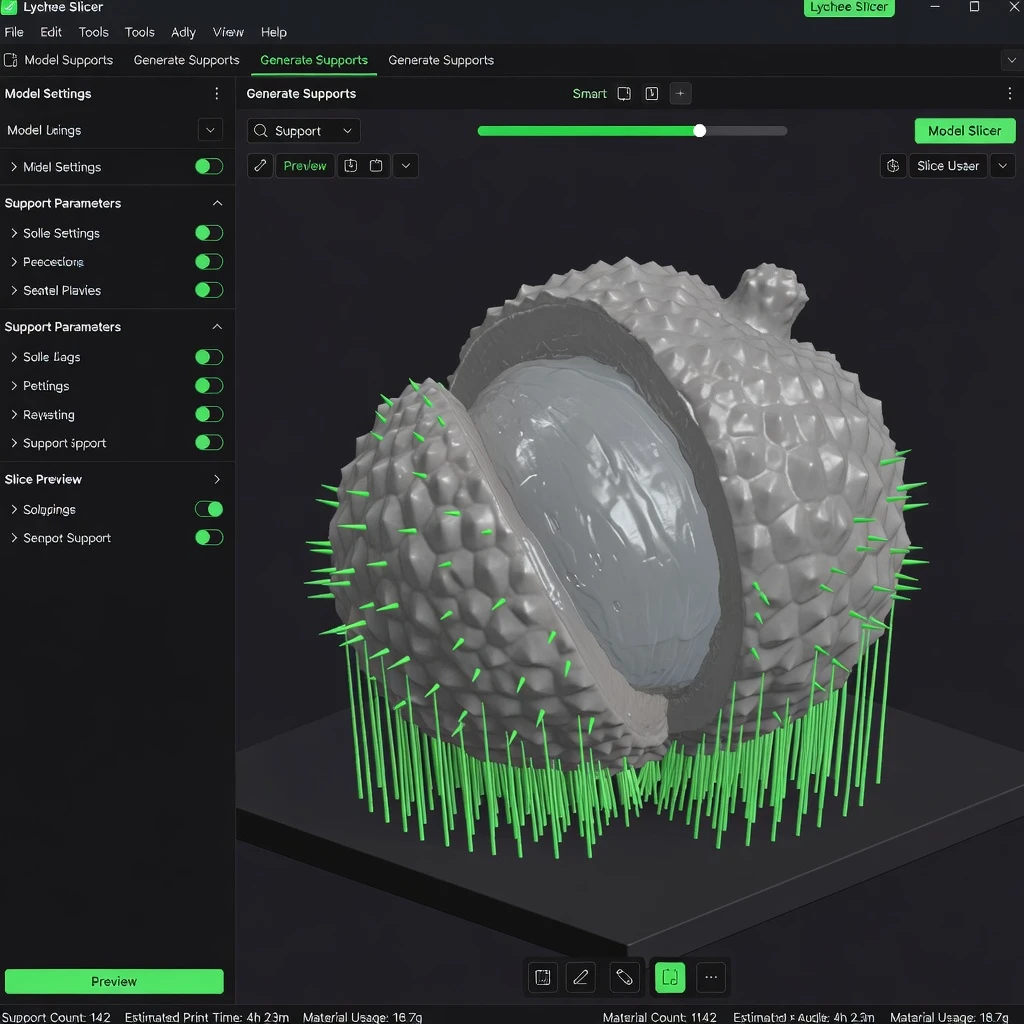
Lychee Slicer is a powerful, modern slicing software primarily designed for resin (SLA/MSLA/DLP) 3D printers. Known for its intelligent automatic support system and clean interface, Lychee has grown into a serious competitor to Chitubox and is the preferred choice for many professional resin printers.
What is Lychee Slicer?
Lychee Slicer is developed by Mango3D and is available for Windows, macOS, and Linux. While it supports FDM printing, its real strength lies in resin printing workflows. Lychee uses machine learning-assisted support generation to place supports more intelligently than traditional algorithms, reducing print failures and support marks on the model.
Lychee Free vs Lychee Pro
- Lychee Free – Includes basic slicing, manual supports, and manual orientation. Limited to a selection of printers. Good for getting started.
- Lychee Pro (subscription) – Unlocks smart automatic supports, cloud slicing, repair tools, unlimited printer profiles, scene templates, and priority updates. At around $5–8/month, it’s excellent value for regular resin printing.
Key Features of Lychee Slicer
- Smart automatic support generation – Lychee’s AI-assisted supports analyze model geometry to place supports precisely where needed, reducing over-support and keeping delicate surfaces clean. This is the standout feature that differentiates Lychee from Chitubox.
- Supports FDM and resin printers – Compatible with most brands: Elegoo, Anycubic, Phrozen, Bambu Lab, Prusa, Creality, and many more.
- Scene organization tools – Arrange multiple models efficiently with smart plate filling, rotations, and collision avoidance.
- Advanced hollowing – Hollow complex shapes with multiple drain holes, and preview the internal cavity to verify wall thickness before printing.
- Cloud slicing and repair (Pro) – Offload slicing computation to the cloud for large scenes, and access advanced mesh repair tools.
- Regular updates – Lychee updates frequently with new printer profiles and features, keeping pace with the fast-moving resin printer market.
Lychee vs Chitubox – Which Should You Use?
Choose Lychee if:
- You print complex organic shapes or miniatures with lots of undercuts
- You want the cleanest possible automatic supports with minimal manual adjustment
- You are willing to pay for a Pro subscription for the best experience
Choose Chitubox if:
- You are just starting with resin printing and want a free, well-documented option
- Your printer has a dedicated Chitubox profile with tested settings
- You prefer a more traditional, manual workflow
Many experienced resin printers use both: Lychee for adding supports on complex models, then Chitubox for final slicing and export.
Getting Started with Lychee
After installing, the first step is selecting your printer and resin profile. Lychee maintains a community-contributed database of tested exposure settings for hundreds of printer/resin combinations. Always run an exposure calibration print when using a new resin to fine-tune settings for your specific environment.
Download Lychee Slicer
Download from: mango3d.io/downloads
Also read: Chitubox Complete Guide and our full comparison of the best resin slicers on the SANIX3D Blog.