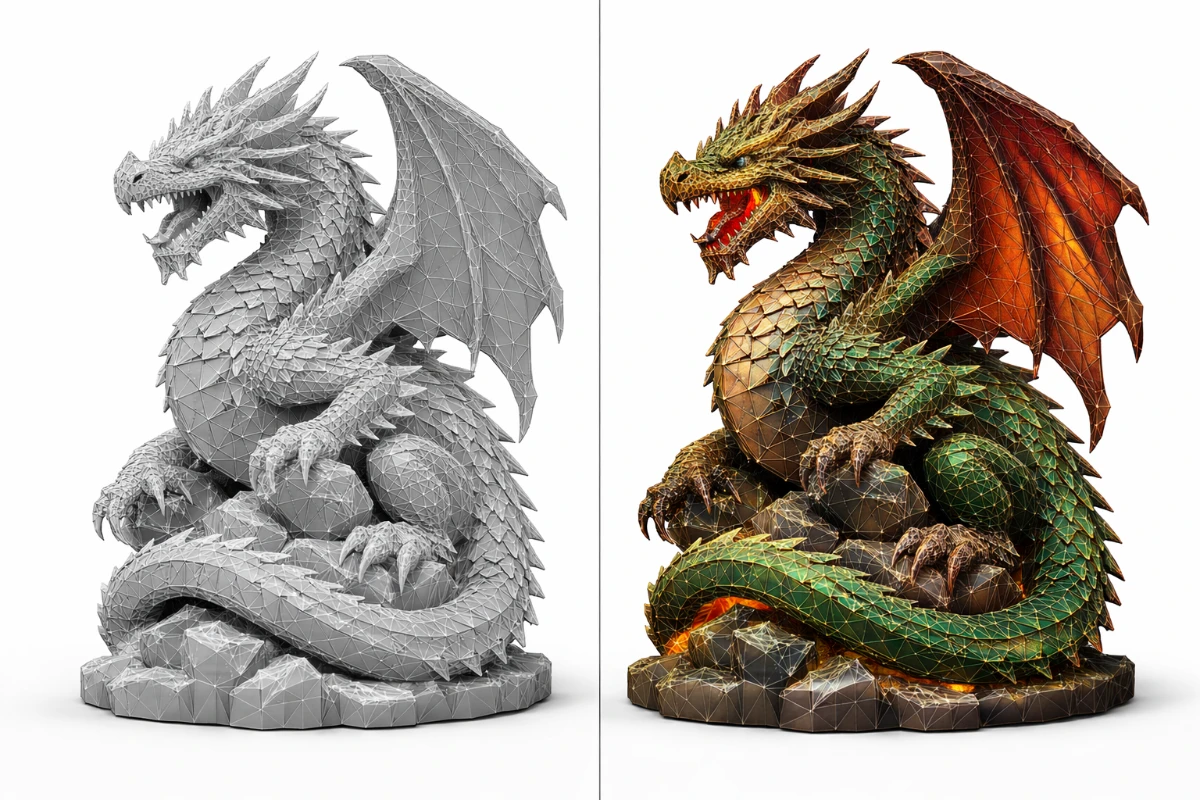
In 3D printing, the two most common file formats are STL and OBJ. While both can be used to describe 3D objects, they serve different purposes and have distinct strengths. Understanding the difference helps you choose the right format for your specific project and workflow.
What is an STL File?
STL (STereoLithography) is a simplified format that describes only the surface geometry of a 3D object using a mesh of triangles. It contains no color, texture, or material information — just the raw shape. STL is the most widely supported format for 3D printing slicers, having been the industry standard since the late 1980s.
Advantages of STL
- Universal compatibility — supported by virtually every slicer (Cura, Chitubox, PrusaSlicer, etc.)
- Simple structure — easy to process and repair
- Smaller file size for simple models
- Ideal for mechanical parts, architectural models, and functional prints
Disadvantages of STL
- No color or texture information
- Limited to describing surface geometry only
- No native support for multi-material information
What is an OBJ File?
OBJ (Wavefront Object) is a more complex format that includes geometry, textures, colors, and material information stored in an accompanying .MTL file. It was originally developed for 3D animation and modeling software and is widely used in gaming, film, and product visualization.
Advantages of OBJ
- Supports colors, textures, and UV maps
- Better for visual rendering and presentation
- Supports multiple objects and groups within one file
- Widely supported in 3D modeling software (Blender, Maya, ZBrush)
Disadvantages of OBJ
- Must be converted to STL before most slicers can process it
- Larger file size due to additional data
- More complex structure, more prone to errors during conversion
STL vs OBJ – Key Differences
- STL: Simpler, smaller files, universally supported by slicers — the go-to for 3D printing
- OBJ: More detail, includes textures and materials, better for 3D modeling and rendering software
- For 3D printing: STL is the preferred and recommended choice in almost all cases
- For multi-color FDM printing: Some modern slicers can process OBJ with color data for multi-filament printers like Bambu Lab AMS
When Should You Use OBJ Instead of STL?
OBJ makes sense in 3D printing only when you need to preserve color information for multi-material printers, or when your modeling software exports more cleanly to OBJ. For any standard single-material print on FDM or resin, always use STL.
How to Convert OBJ to STL
If you have an OBJ file and need to print it, conversion is simple:
- Blender – Import OBJ, then export as STL (File → Export → STL)
- Meshmixer – Open OBJ and export as STL
- Online converters – Sites like CAD Exchanger or Convertio can convert OBJ to STL in seconds
- Cura – Can import OBJ files directly and process them as if they were STL
Need help with STL files? Check our STL File guide or visit the SANIX3D Blog for more 3D printing tips.