
SANIX3D · Free 3D Printing Tool
Online STL File Analyzer
Drop in an STL to read its size, volume and weight, then bring your prints to life with our premium STL files, with new models every month.
Browse all models →



Online STL File Analyzer
Drop in an STL file to read its volume, size and surface area, plus estimated resin or filament weight and full print cost.
Volume, size and area are read directly from the STL mesh. Resin weight assumes a shell of your chosen wall thickness when hollowed, plus supports and electricity. Filament weight assumes your infill plus a wall allowance. Densities follow common PLA, PETG and ABS values and standard 405nm resins. Everything is processed locally in your browser.
Real prints, real detail
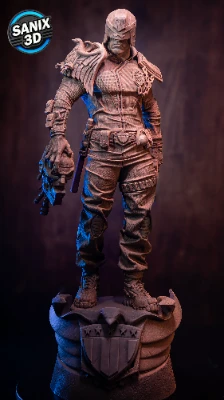
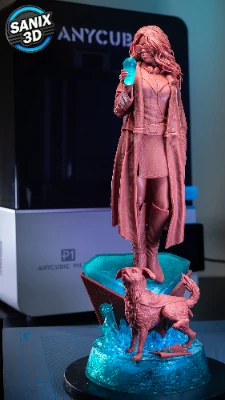
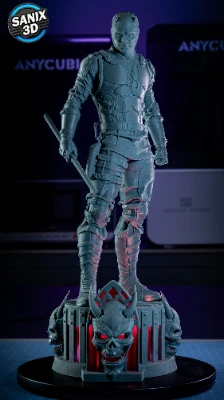
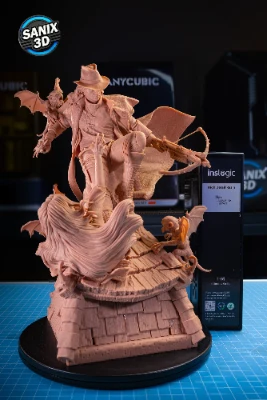
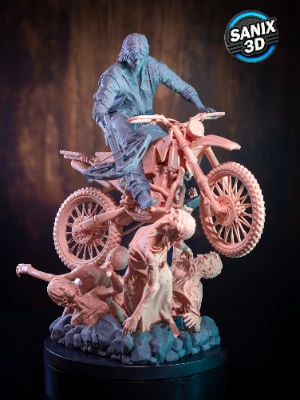
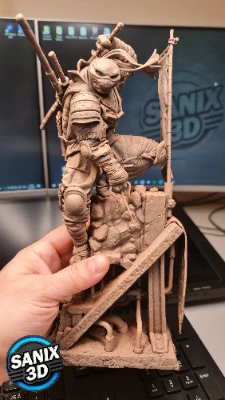
Real prints of our models – see the exact detail and quality you get before you buy.
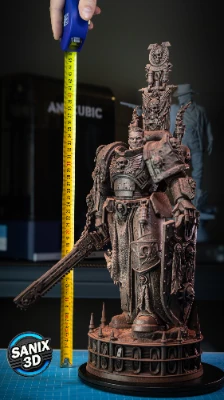
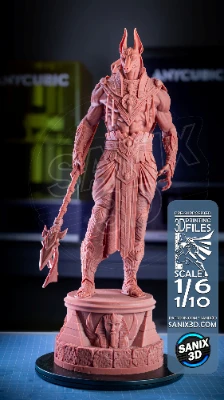
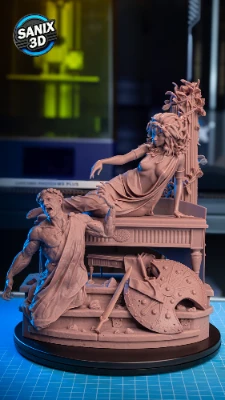
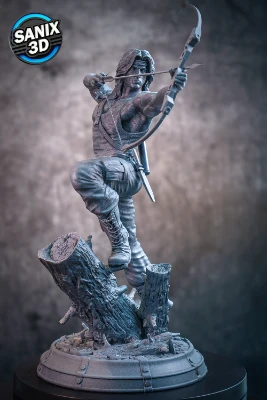
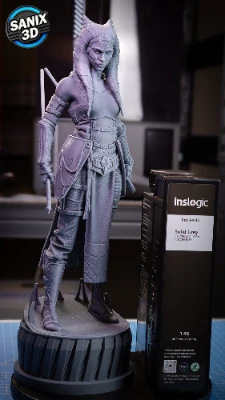
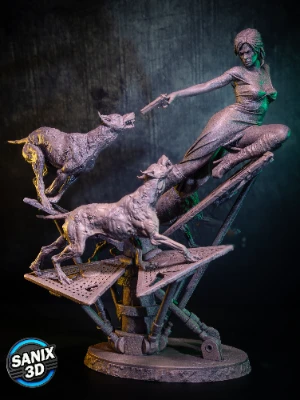
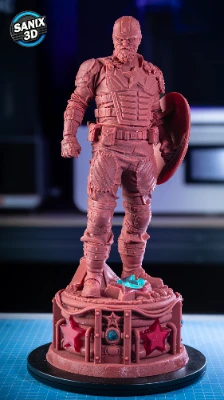
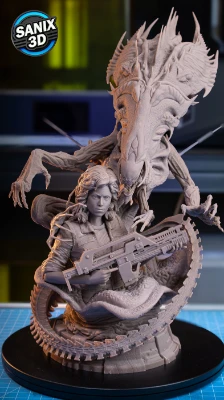
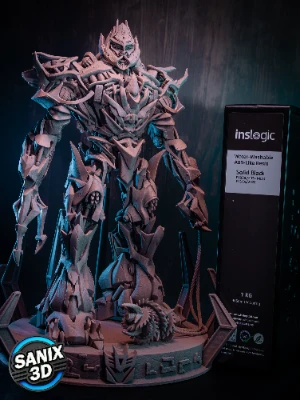
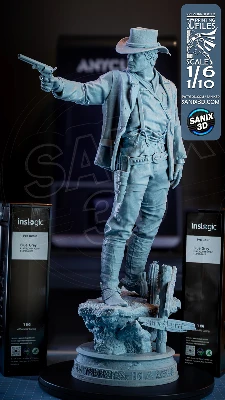
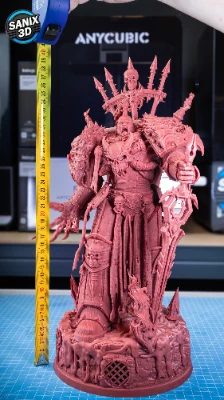
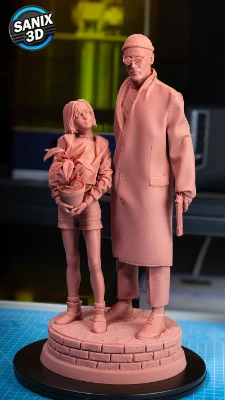
Popular categories
About the SANIX3D STL File Analyzer
The SANIX3D Online STL File Analyzer is a free tool that reads any STL file right in your browser and shows its real size, volume, surface area and triangle count, plus the estimated resin or filament weight and full print cost. It parses both binary and ASCII STL, rotates the model in a 3D viewer, and even flags meshes that are not watertight. Nothing is uploaded, the file is measured locally on your device and never leaves your computer.
How to use the STL analyzer
- Drop an STL file onto the viewer, or click to browse. Binary and ASCII STL both work, and nothing is uploaded.
- Read the geometry, size in width, depth and height, volume, surface area and triangle count, with a live 3D preview.
- Pick resin or filament, set your material, prices and electricity, and add hollowing or infill for a realistic weight.
- Read the estimated weight and total print cost, in EUR, USD or GBP, and copy it with one click.
Frequently asked questions
How do I check the size of an STL file?
Drop the STL onto this analyzer and it reads the exact bounding box in millimeters, plus volume and surface area, straight from the mesh. You can switch units to centimeters or inches and apply a resize percentage to preview a scaled version.
Is my STL file uploaded anywhere?
No. The whole analysis runs in your browser using a background worker. The file is read and measured on your own device and is never sent to any server, so your models stay private.
How much will my STL cost to print?
The analyzer estimates weight from the volume and your material density, then adds supports or infill, electricity and your prices to give a full print cost. Pick the resin or filament tab and enter your own prices for an accurate figure.
What is STL volume used for?
Volume tells you how much material a solid print needs. Multiplied by resin or filament density it gives the weight, and with your price per bottle or spool it gives the cost. Hollowing a resin print greatly reduces the volume that is actually printed.
Why does it say my mesh is not watertight?
A watertight mesh is fully closed with no holes or gaps. If the analyzer finds open edges the volume and weight are approximate. Repair the model in your slicer or a mesh tool for exact figures.
Does it work with binary and ASCII STL?
Yes. The analyzer detects the format automatically and reads both binary and ASCII STL files, so it works with exports from any slicer or CAD program.
Related tools: turn the weight into a price with the FDM Cost Calculator or Resin Cost Calculator. Learn more about the STL file format.